In brief
Compare WordPress and Next.js for content editing, performance, SEO, custom features, maintenance, and long-term ownership before choosing a platform.
WordPress and Next.js can both power successful business websites, but they suit different workflows. The best choice depends on who manages content, how custom the site needs to be, and what the business can maintain over time.
WordPress at a Glance
WordPress offers a familiar content management experience and a large plugin ecosystem. It can be a good fit when non-technical staff need to publish frequently and the required features are available through well-supported themes or plugins. Plugin quality, updates, hosting configuration, and security need regular attention.
Next.js at a Glance
Next.js is a React framework for building custom websites and web applications. It gives developers control over page rendering, routing, and integrations, and can deliver fast public pages when implemented well. Content editors typically use a CMS alongside the site, and ongoing work often requires developer support.
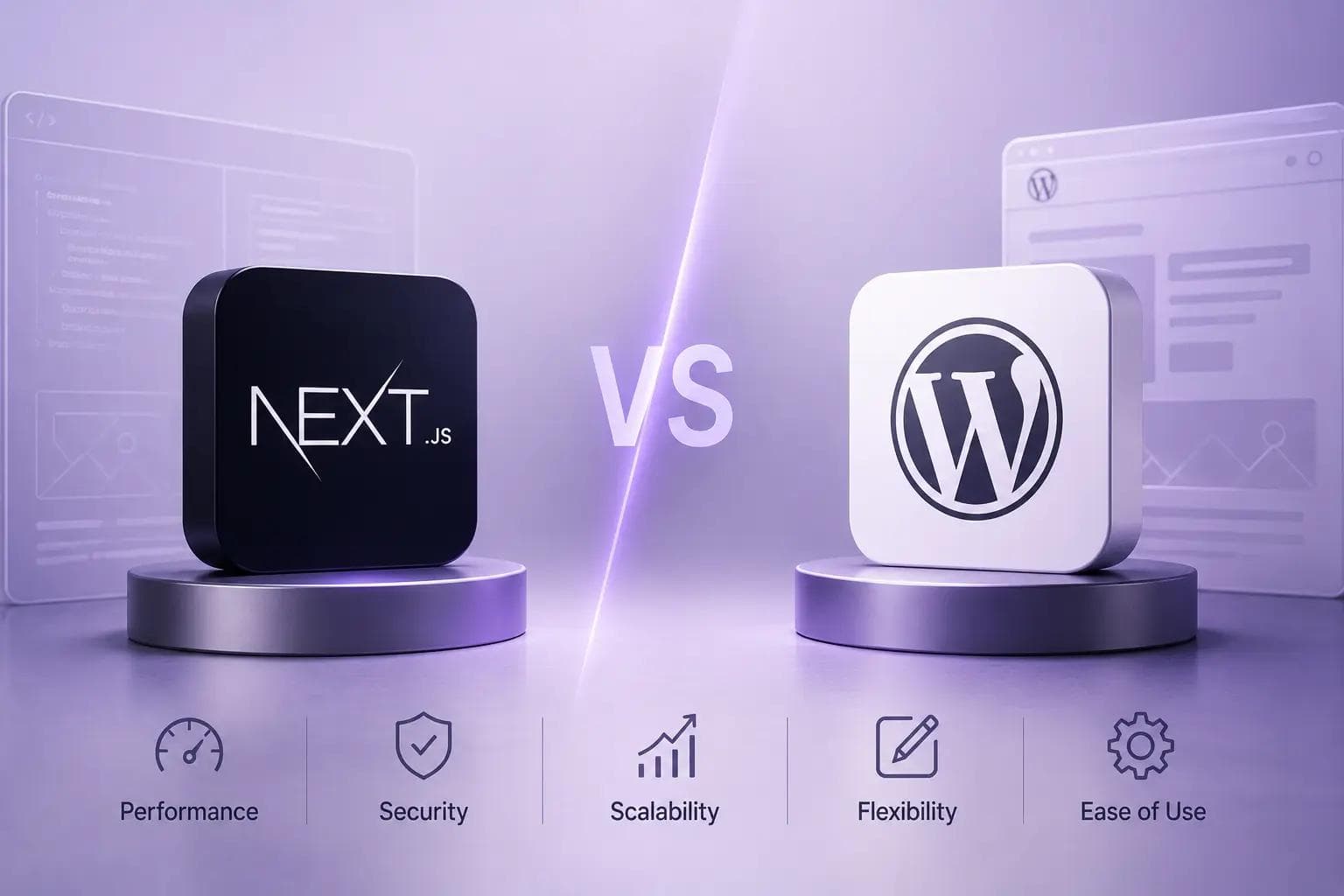
Compare the Things That Matter
- Content workflow: Who publishes and approves updates, and how often?
- Custom features: Can a maintained plugin meet the need, or does the business require custom workflows?
- Performance and SEO: Both platforms can support search visibility; implementation, content quality, and hosting all matter.
- Maintenance: WordPress needs updates across its core, themes, and plugins. A Next.js site needs framework, dependency, and hosting maintenance.
- Ownership and cost: Compare initial delivery and long-term support, not just the first quote.
Which Should You Choose?
Choose WordPress when its content workflow and reliable extensions match your needs. Consider Next.js when you need a highly tailored experience, custom application behavior, or a developer-managed frontend connected to a separate content system. Either way, agree on account ownership, backups, updates, and support before launch.
The platform should follow your requirements, not define them. Discuss your website options with our team.
A Platform Decision by Workflow
List the people who will publish and maintain the site, then describe a normal content update from draft to approval to publication. If editors need frequent independent updates, verify the CMS workflow with the actual users. If the site needs custom account experiences or application behavior, identify which parts belong in the website and which need a separate service.
Before migration, inventory URLs, page types, media, forms, metadata, redirects, analytics, and integrations. Test representative pages and editorial tasks in a small proof of concept. Compare the ongoing update process, hosting responsibility, developer availability, backups, and total maintenance effort; platform labels alone do not determine search visibility or performance.